
Create community
Create a new community
Set up your digital community in minutes — why not start for free right away? Unlock the potential of your community today.
What to expect
- 1
Fill in the form
Fill in the form and click "Create Community".
- 2
Verify your email
You will receive an email to verify your address. Click "Get Started" in the message.
- 3
Set a password
Set a password for your user account and create your community.
- 4
Test everything for 30 days
Test all features together with your members. You will have access to all Pro Plan features for 30 days. After that, your community automatically continues under the Free Plan.
Start for free now
By submitting, you agree to the processing of your details as described in our privacy policy. Prefer e-mail? hello@beunity.io
Frequently asked questions
Does beUnity cost anything?+
No, using beUnity is completely free. No payment information is required. Simply register, and you are ready to go.
Which features are always free?+
The Free Plan includes a forum, event overview, file storage, member directory, and both community and group chats. You can create posts such as events, surveys and announcements. You can also invite up to 1,000 members to your community for free. You will find a detailed overview of the free features on our pricing page.
Which features are available during the trial period?+
During the trial phase, you can test all features of beUnity together with your members. You will find a detailed overview of all features on our pricing page.
What happens after the 30-day trial period?+
After the 30-day trial, your community automatically switches to the Free Plan. You still have full access to your community and all existing content. The only difference is that features included in paid plans will be deactivated.
Will my content be deleted after the trial?+
No, none of your content will be deleted. All posts and data created in your community remain intact. Only the modules exclusive to paid plans are deactivated. Once you upgrade to a paid plan, these modules and their content become instantly available again.
On which devices can I use the beUnity platform?+
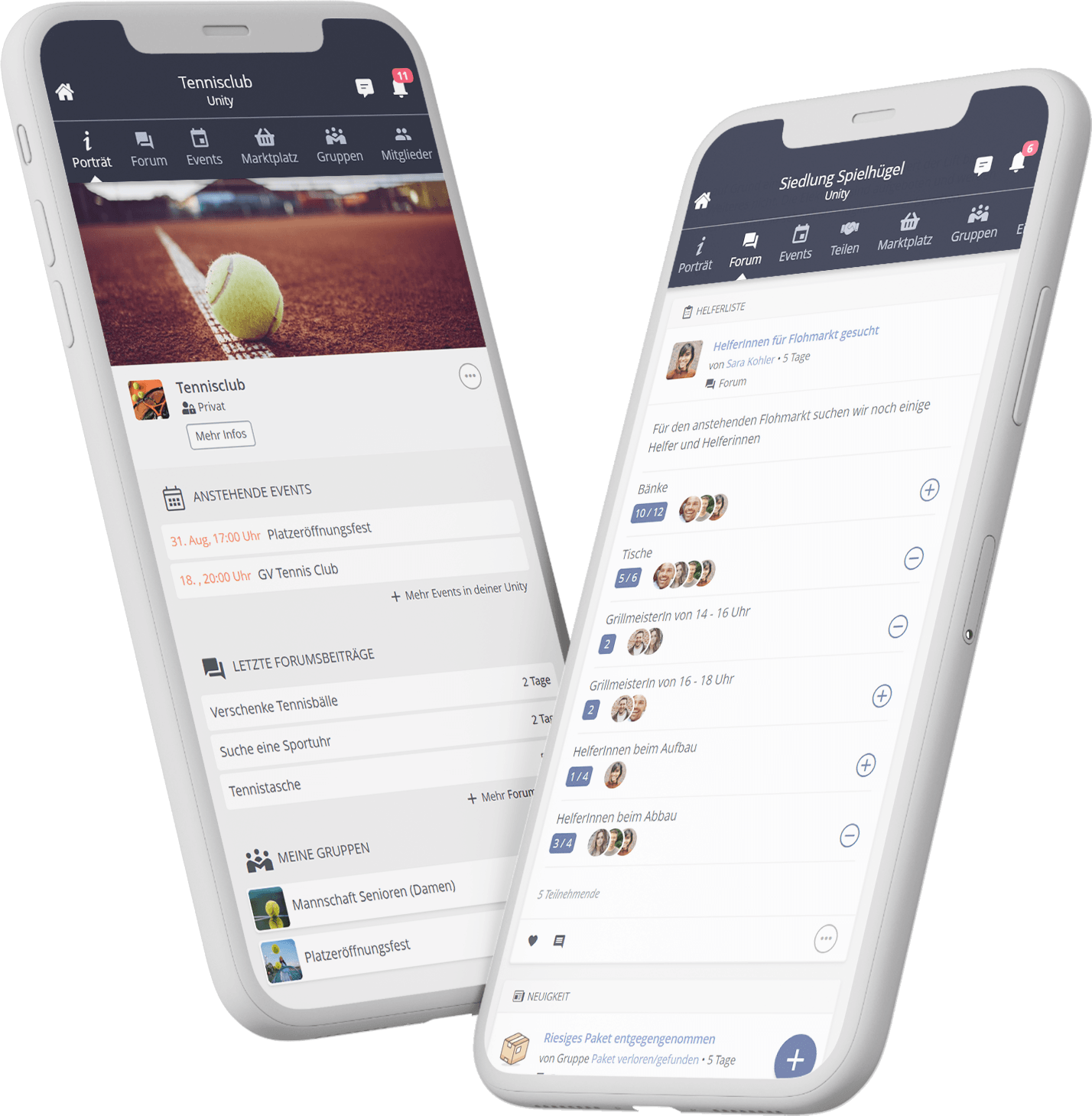
beUnity is web-based and accessible via browser as well as through the Android and iOS apps.
Do I have to create a community for an entire organisation?+
You can also create a community for a specific group, team or department. However, beUnity works best when as many members of your organisation as possible participate — this strengthens connections and boosts engagement.
How quickly can I start setting up my community after registration?+
You can get started right away. Your community can be created within just a few minutes.
These customers trust us










beUnity in the press