Create a New Community
What to Expect
Step 1
Fill out the form and click “Create Community.”
Step 2
You’ll receive an email to verify your address. Click “Get Started” in the message.
Step 3
Set a password for your user account and create your community.
Step 4
Test all features together with your members. You’ll have access to all Pro Plan features for 30 days. After that, your community will automatically continue under the Free Plan.
FAQ
Is beUnity paid?
No, using beUnity is completely free. No payment information is required. Simply register, and you’re ready to go.
Which features are always free?
The Free Plan includes a forum, event overview, file storage, member directory, and both community and group chats. You can create posts such as events, surveys, and announcements. You can also invite up to 1,000 members to your community for free.
Which features are available during the trial period?
During the trial phase, you can test all features of beUnity together with your members.
What happens after the 30-day trial period?
After the 30-day trial, your community will automatically switch to the Free Plan. You’ll still have full access to your community and all existing content. The only difference is that features included in paid plans will be deactivated.
Will my content be deleted after the trial?
No, none of your content will be deleted. All posts and data created in your community remain intact. Only the modules exclusive to paid plans are deactivated. Once you upgrade to a paid plan, these modules and their content become instantly available again.
On which devices can I use the beUnity platform?
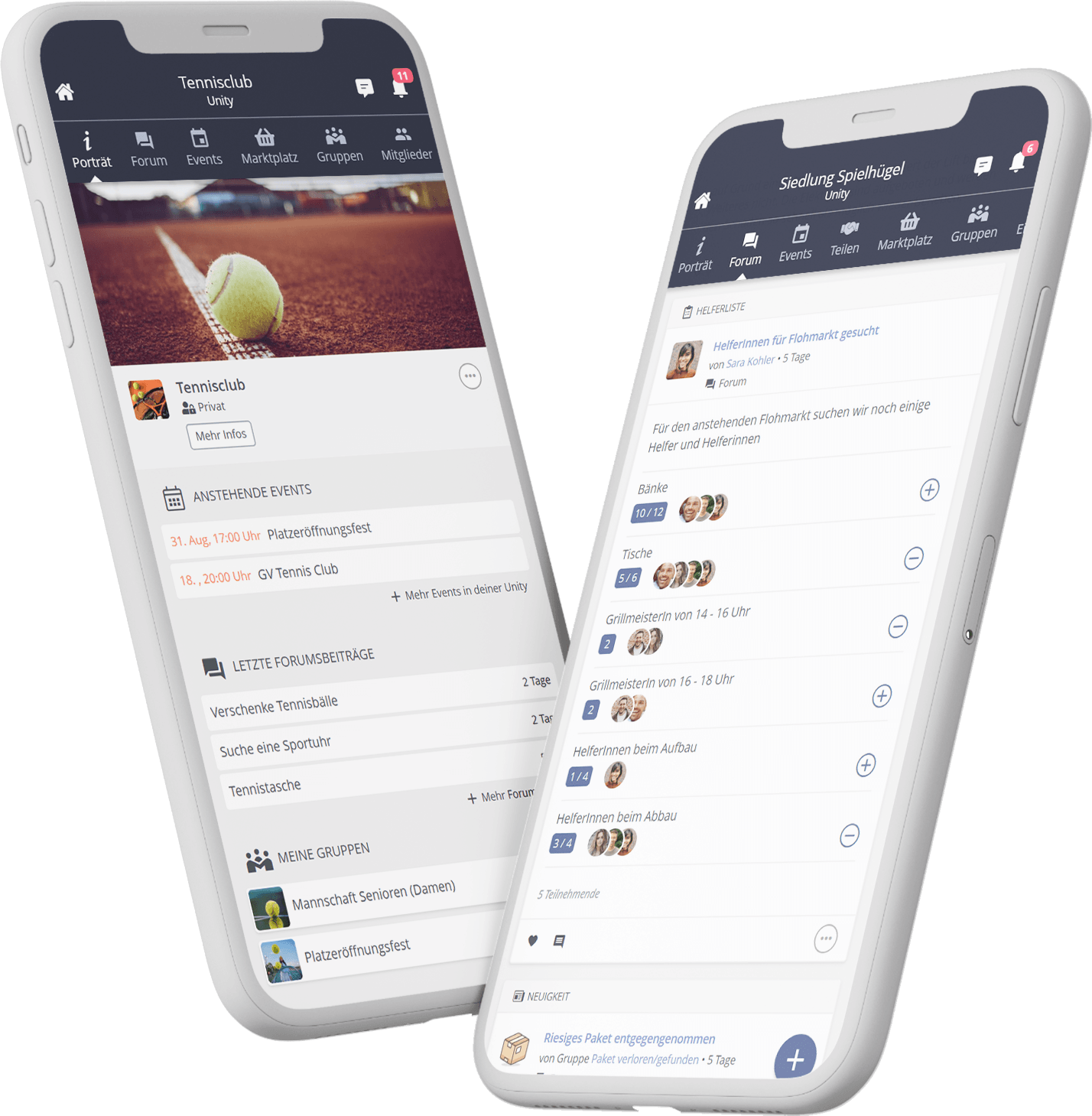
beUnity is web-based and accessible via browser as well as through the Android and iOS apps.
Do I have to create a community for an entire organisation?
You can also create a community for a specific group, team or department. However, beUnity works best when as many members of your organisation as possible participate — this strengthens connections and boosts engagement.
How quickly can I start setting up my community after registration?
You can get started right away. Your community can be created within just a few minutes.